
Key facts
Start here
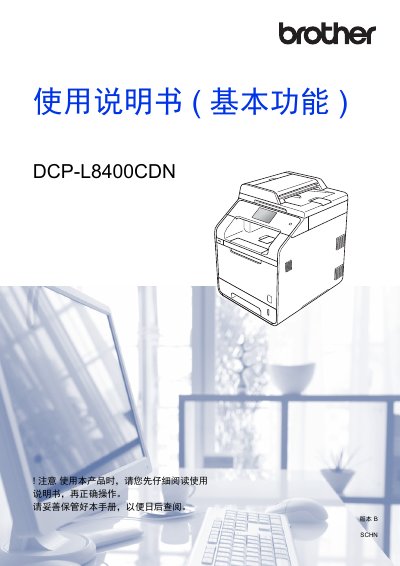
Brother DCP-L8400CDN Color Laser Printer User Manual
This user manual for the Brother DCP-L8400CDN color laser printer covers basic operations including copying, scanning, and direct printing from USB devices. It details how to load paper into various trays, configure settings on the touch panel, and perform daily maintenance tasks such as replacing toner and cleaning the scanner glass. This manual is written in Chinese.
Read onlineBrother DCP-L8400CDN specifications
| Paper Capacity (Standard Tray) | 250 sheets |
|---|---|
| Paper Capacity (MP Tray) | 50 sheets |
| Paper Capacity (Optional Low Tray) | 500 sheets |
| Recommended Paper Weight | 70 ~ 90 g/m² |
| Paper Thickness | 80 ~ 110 µm |
Source: Brother DCP-L8400CDN Color Laser Printer User Manual
All Brother DCP-L8400CDN documents by type
Day-to-day operation, settings and troubleshooting. Start here if the product is already set up.
Questions answered in these manuals
What paper types are supported?
The device supports ordinary paper, thin paper, thick paper, glossy paper, labels, envelopes, and more.
How do I print directly from a USB drive?
Insert the USB flash drive into the device's USB direct print interface and select the file to print.
What is the safe ambient temperature range?
Maintain the ambient temperature between 10°C and 32°C.
From: Brother HL-L8250CDN HL-L9200CDW DCP-L8400CDN MFC-L8650CDW Product Safety Manual
Can the product be installed near water or heaters?
No. Do not place it near heaters, air conditioners, refrigerators or water sources.
From: Brother HL-L8250CDN HL-L9200CDW DCP-L8400CDN MFC-L8650CDW Product Safety Manual