
Key facts
Start here
Brother DS-720D Scanner Quick Installation Guide
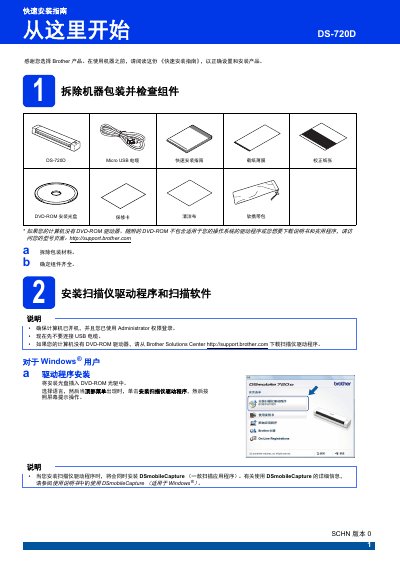
This guide covers the initial setup of the Brother DS-720D scanner. It details how to unpack the device, verify that all components are present, and install the necessary drivers and software applications for both Windows and Macintosh operating systems.
The document also provides step-by-step instructions for scanning original documents using the included Micro USB cable and DSmobileCapture software. Additionally, it includes a product safety manual with warnings regarding electrical hazards, proper usage environments, and maintenance precautions. This manual is written in Chinese.
All Brother DS-720D documents by type
The shortest path to a working setup, usually only a few pages.
Day-to-day operation, settings and troubleshooting. Start here if the product is already set up.
Questions answered in these manuals
What is the Brother DS-720D?
It is a scanner product.
How do you connect the Brother DS-720D to a computer?
Connect the included Micro USB cable to the scanner's Micro USB port and the computer's USB port.
What does a steady green LED indicate on the Brother DS-720D?
The device is ready to scan.
What does a flashing green LED indicate?
The device is scanning an original.