
Key facts
Start here
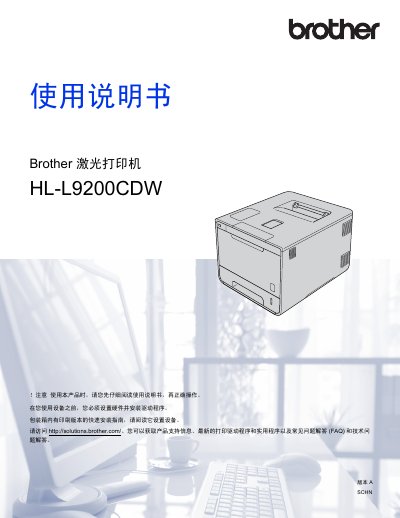
Brother HL-L9200CDW Laser Printer User Manual
This manual provides step-by-step instructions for installing and operating the Brother HL-L9200CDW laser printer. It includes sections on printer setup, printing methods, maintenance, replacing consumables, and troubleshooting common issues. The guide also covers printer drivers for Windows and Macintosh systems, as well as features like duplex printing and network connectivity.
The manual is organized into chapters covering basic operations, printer settings, maintenance procedures, and advanced features such as security settings and print optimization. It includes detailed diagrams and tables for reference, and is available in both printed and digital formats. This manual is written in Chinese.
All Brother HL-L9200CDW documents by type
Day-to-day operation, settings and troubleshooting. Start here if the product is already set up.
Questions answered in these manuals
What is the safe ambient temperature range?
Maintain the ambient temperature between 10°C and 32°C.
From: Brother HL-L8250CDN HL-L9200CDW DCP-L8400CDN MFC-L8650CDW Product Safety Manual
Can the product be installed near water or heaters?
No. Do not place it near heaters, air conditioners, refrigerators or water sources.
From: Brother HL-L8250CDN HL-L9200CDW DCP-L8400CDN MFC-L8650CDW Product Safety Manual