
Key facts
Start here
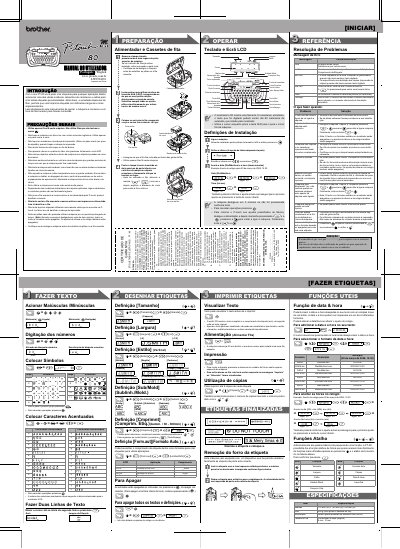
Brother PT-80 Label Maker User Manual
This document is the user manual for the Brother PT-80 label maker. It provides instructions on how to install batteries and tape cassettes, set the date and time, and configure label settings such as size, width, and style. The manual also details how to print labels, use copy functions, and remove labels from the backing paper. This manual is written in Portuguese.
Read onlineBrother PT-80 specifications
| Battery Type | 4 x AAA (LR03) |
|---|---|
| LCD Display Characters | 12 characters |
| Max Text Length | 80 characters |
| Max Copies | 9 copies |
| Tape Advance | 25 mm |
All Brother PT-80 documents by type
Day-to-day operation, settings and troubleshooting. Start here if the product is already set up.
Questions answered in these manuals
What happens if the machine is not used for more than two minutes?
All text and formats displayed on the screen will be erased, along with language and clock settings.
How do I reset the machine to factory settings?
Turn off the power, then press and hold the Shift and Fn keys, press Power to turn it on, and release the keys.
How many lines can the Pt‑80 print on a label?
It can print labels with two lines.
What power options are available for the Pt‑80?
It can be powered by four AAA batteries or an optional mains adapter (G1).