
This document is the Owner's Manual for Brother Industries, Ltd. regarding FAX 1170, FAX 1270, MFC 1770, and MFC 1780. Brother ensures that their fax machines and multi-function centers will function properly after January 1, 2000, and provides software patches and customer service to address software compatibility related to the Year 2000 issues. Customers are advised to accurately exchange date data with Brother products using non-Brother hardware, software, and firmware. When contacting customer service, please provide product model and purchase date information.
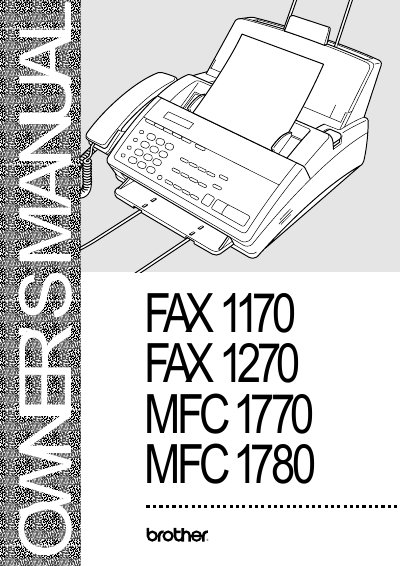
This document serves as the Owner's Manual for Brother FAX 1170, FAX 1270, MFC 1770, and MFC 1780 models. It covers essential setup procedures including assembly, connecting telephone lines, installing recording paper, and configuring fax settings such as date/time and dialing modes.
The guide details basic and advanced operations for sending and receiving faxes, utilizing features like speed dialing, distinctive ring, polling, and remote retrieval. It also includes sections on telephone operation, printing reports, maintenance, troubleshooting common error messages, and ordering genuine accessories.
| Year 2000 Compliant | Yes |
|---|
Customer Service USA: 1-800-284-4329 (voice) or 1-908-575-8790 (fax).
You can visit us online at http://www.brothermall.com or call USA: 1-888-879-3232.
The serial number is on the back of the unit.