
This is a user manual for Brother FAX 1170, FAX 1270, MFC 1770, MFC 1780
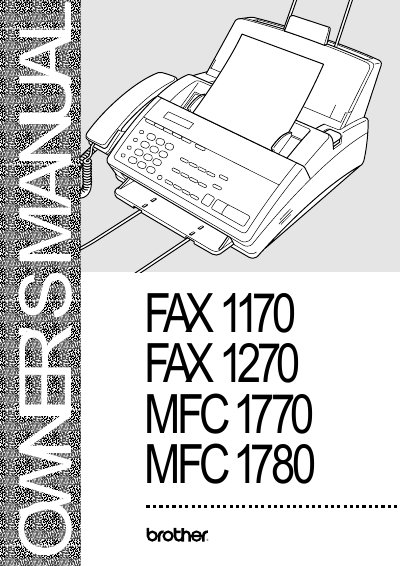
This manual provides detailed instructions for installing, configuring, and using Brother fax machines and multi‑function centers (FAX1170, FAX1270, MFC1770, MFC1780). It includes information on control panels, wiring, fax settings, telephone operation, and advanced features such as remote retrieval and paging.
The document also contains safety notices, warranty information, specifications, and a troubleshooting guide to help users resolve common issues and maintain the equipment.
| Modem speed | 14400/12000/9600/7200/4800/2400 bps |
|---|---|
| Memory capacity | 512 KB (up to 20 pages) |
| Paper cassette capacity | 200 sheets (20 lb) |
| Resolution | Horizontal 203 dpi, Vertical 98 lines/inch (standard) |
| Power consumption | Standby <10 W, Peak <110 W |
The modem speed ranges from 14400 down to 2400 bps, with automatic fallback for certain models.
It has 512 KB of memory, enough for up to 20 pages of stored fax data.
The FAX 1170 supports 26 speed‑dial stations; the FAX 1270, MFC 1770 and MFC 1780 support 36 stations each.