
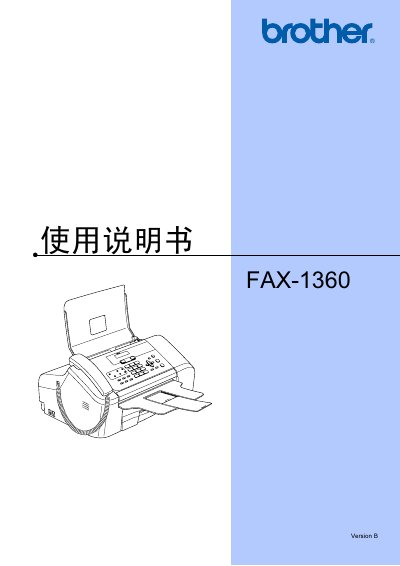
This manual provides step-by-step instructions for operating the Brother FAX-1360 fax machine, including sending and receiving faxes, copying, phone operations, and configuring settings. It also covers safety, maintenance, and troubleshooting procedures. The device is designed for use with analog PSTN lines and includes features like security locks, remote fax options, and report printing. Maintenance tasks such as cleaning rollers and replacing ink cartridges are detailed for optimal performance. This manual is written in Chinese.
| Product Type | Fax Machine |
|---|---|
| Language | Chinese |
| Model | FAX-1360 |
| Warranty | No warranty outside original country of purchase |
Use Brother original ink cartridges for best results. Using other brands may cause damage and void warranty.
It may not operate properly and is not guaranteed to work outside the original country of purchase.
Follow safety instructions for placement, power disconnection, and handling of toxic materials in components.