
Key facts
- Brand
- Brother
- Model
- MFC-3320CN
- Category
- Printer
- Industry
- Electronics
- Documents
- 2
- Languages
- ZH · EN
- Last added
- 2026-11-23
Start here
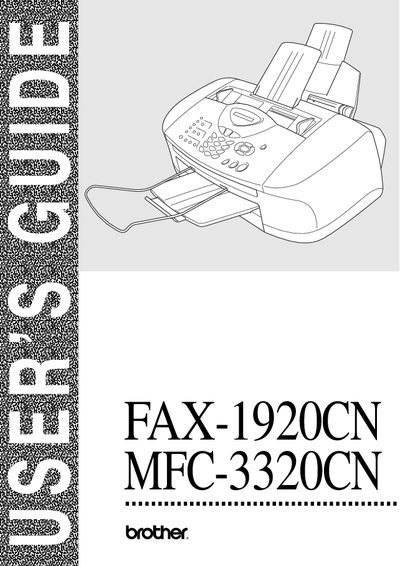
Brother FAX-1920CN/MFC-3320CN User's Guide
This manual serves as a comprehensive guide for the operation and maintenance of the Brother FAX-1920CN and MFC-3320CN multi-function centers. It covers essential topics including initial setup, connecting to telephone lines, using the fax and copy functions, and managing paper supplies.
The document also includes detailed troubleshooting sections to help users resolve common issues such as transmission errors, reception problems, and hardware malfunctions. Additionally, it provides information on warranty terms, customer service contacts, and ordering genuine Brother accessories.
Brother MFC-3320CN specifications
| Processor Speed (Windows XP) | Pentium 233MHz |
|---|---|
| Minimum RAM (Windows XP) | 64MB |
| Scanning Resolution (Windows XP) | 1200 x 1200 dpi (up to 2400 dpi with Brother Scanner Utility) |
| USB Compatibility | Supported on Windows and Mac OS, but third-party USB ports not supported |
Source: Brother MFC-3320CN Multi-Function Printer User Manual
All Brother MFC-3320CN documents by type
Day-to-day operation, settings and troubleshooting. Start here if the product is already set up.
Questions answered in these manuals
What is the minimum RAM required for Windows XP?
The minimum RAM required for Windows XP is 64MB.
What is the maximum scanning resolution on Windows XP?
The maximum scanning resolution on Windows XP is 1200 x 1200 dpi, but up to 2400 dpi is possible using the Brother Scanner Utility.
How do I register my product?
You can register your product on-line at www.registermybrother.com or by faxing the Brother Warranty Registration And Test Sheet.
What is the warranty period for the machine?
Machines are covered by a one-year limited warranty from the original purchase date.