
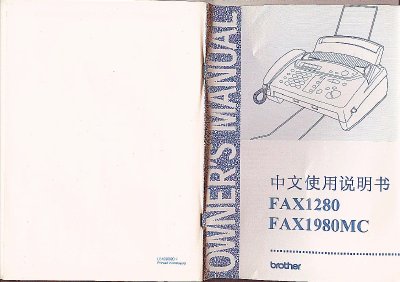
This manual provides detailed instructions for operating the Brother FAX1280 and FAX1980MC fax machines. It covers setup, sending and receiving faxes, error handling, and maintenance procedures. The guide is written in Chinese and includes diagrams and step-by-step explanations for common tasks.
The manual also explains how to use special features like error correction mode, how to handle paper jams, and how to adjust fax settings for optimal performance.
| Model | FAX1280 / FAX1980MC |
|---|---|
| Language | Chinese |
| Power Supply | 220V |
The error correction mode is used to correct errors during fax transmission. It is activated by following the instructions in the manual.
The fax machines operate on a 220V power supply.
To handle paper jams, follow the troubleshooting steps in the manual, which include turning off the machine and removing the jammed paper.