
Key facts
- Brand
- Brother
- Model
- QL-800
- Category
- Printer
- Industry
- Electronics
- Documents
- 2
- Languages
- ZH · EN
- Last added
- 2026-11-20
Start here
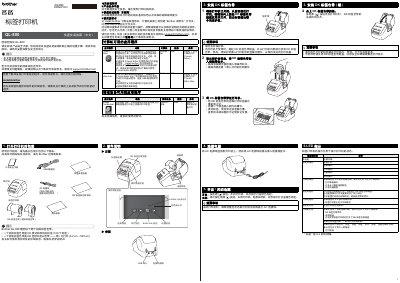
Brother QL-800 Quick Installation Guide
This quick installation guide is for the Brother QL-800 label printer. It describes the package contents, printer parts, installation of the initial DK label tapes, power connection, power on/off operation, and LED indicator meanings.
It also explains printing from a computer with P-touch Editor or P-touch Editor Lite, printing from a mobile device with Brother iPrint&Label, product specifications, and troubleshooting steps. This manual is written in Chinese.
Brother QL-800 specifications
| Dimensions (W x H x D) | Approx. 125 mm x 142 mm x 213 mm |
|---|---|
| Weight | Approx. 1.15 kg (without DK label tape) |
| Operating temperature | 10°C to 35°C |
| Operating humidity | 20% to 80% (maximum wet-bulb temperature 27°C) |
All Brother QL-800 documents by type
The shortest path to a working setup, usually only a few pages.
Day-to-day operation, settings and troubleshooting. Start here if the product is already set up.
Questions answered in these manuals
What are the dimensions of the QL-800?
The dimensions are approximately 125 mm x 142 mm x 213 mm.
What is the operating temperature range?
The operating temperature range is 10°C to 35°C.
What is the maximum printing width of the Brother QL-800?
The maximum printing width is 58 mm.
What operating temperature range does the QL-800 support?
The printer operates between 10°C and 35°C.