
This is a user manual for the USB KVM extender CE800, which introduces the product features and usage methods.
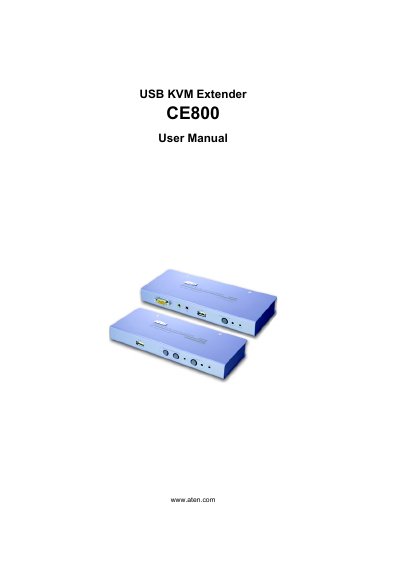
This manual describes the ATEN CE800 USB KVM Extender, a device that extends USB and video signals between a local and a remote unit. It includes safety information, FCC and RoHS compliance details, and a complete list of package contents.
The guide covers hardware setup, grounding, rack mounting, basic and advanced operation, keyboard emulation for Mac and Sun keyboards, hotkey configuration, firmware upgrade procedures, specifications, wiring diagrams, troubleshooting, and warranty information.
Register online at ATEN's support site: International – http://support.aten.com or North America – http://aten-usa.com/product_registration.
The CE800 is classified as an FCC Class A digital device.
Use the USB Reset function described on page 24 of the manual.