
This is a user manual for CE800B, which mainly introduces the features and usage methods of the product.
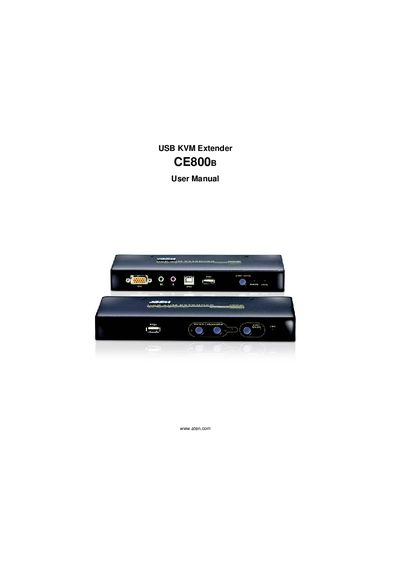
This manual covers all aspects of the ATEN CE800B USB KVM Extender, including hardware setup, basic and advanced operation, keyboard emulation, firmware upgrades, and troubleshooting. It also contains safety information, FCC compliance details, and warranty terms.
The document includes step‑by‑step procedures, wiring diagrams, and a quick start guide, helping users install the extender, configure OSD settings, and manage hotkeys. Support contact information and online registration links are provided for further assistance.
Register the product online at ATEN's support center using the provided URLs.
The CE800B is an FCC Class A digital device.
Power off the unit, short jumper J7, power on, then remove the jumper after the password is cleared.
The CE800B uses SPHD connectors for its KVM and console ports.