
This document is the user manual for the CE800 USB KVM Extender, describing the features and characteristics of the product.
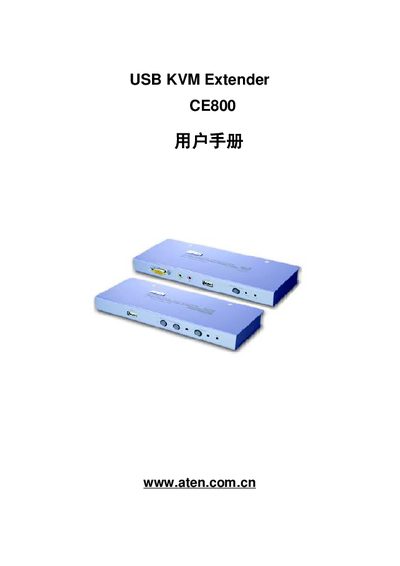
This manual covers the CE800 USB KVM Extender, a device that extends USB keyboard, mouse, video, audio and microphone signals over Cat‑5 cable up to 250 m. It includes hardware installation, firmware updates, basic operation, and advanced features such as image compensation and hot‑key functions.
The guide also contains safety information, product specifications, and a troubleshooting section that helps users resolve common issues like no video display or forgotten passwords. This manual is written in Chinese.
| Computer connections | 1 |
|---|---|
| Keyboard interface | 1 x USB Type‑A (white) |
| Monitor interface | 1 x HDB‑15 (blue) |
| Mouse interface | 1 x USB Type‑A (white) |
| Speaker output | 1 x Mini stereo jack (green) |
| Microphone input | 1 x Mini stereo jack (pink) |
| Power supply | DC 5.0 V, 6.0 W |
| Maximum video resolution (near end) | 1600 × 1200 @ 60 Hz, 150 m |
| Maximum video resolution (far end) | 1024 × 768 @ 60 Hz, 250 m |
| Operating temperature | 0 °C – 50 °C |
| Dimensions (L×W×H) | 20.0 × 8.0 × 2.5 cm |
| Weight | ≈0.5 kg |
The CE800 can transmit video and USB signals over a Cat‑5 cable up to 250 meters.
It operates from a 5.0 V DC supply and consumes up to 6.0 W.
Near end supports up to 1600 × 1200 @ 60 Hz (150 m); far end supports up to 1024 × 768 @ 60 Hz (250 m).