
This document is the user manual for USB KVM extender CE800B, which introduces the FCC information, RoHS standard, user information, packaging details, etc. of CE800B.
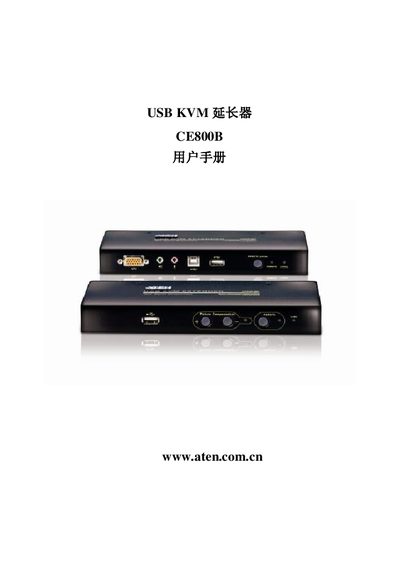
This manual covers the ATEN CE800B USB KVM Extender, a device that connects a near‑end (CE800BL) and a far‑end (CE800BR) unit to extend keyboard, video and mouse signals over USB. It includes safety and regulatory information, FCC and RoHS compliance statements, and a detailed list of the supplied accessories.
The guide walks users through hardware installation, basic operation, keyboard emulation for different host systems, firmware update procedures, and troubleshooting steps such as clearing login information. Contact information for international, regional, and local support is provided, along with online registration links. This manual is written in Chinese.
| Near‑end device | CE800BL |
|---|---|
| Far‑end device | CE800BR |
| USB cable length | 1.8 m |
| Power adapters included | 2 |
| Custom KVM cable included | 1 |
Visit ATEN’s online support center and follow the registration link for your region (e.g., http://support.aten.com for international users).
Use the firmware update tool described in the manual to load the latest firmware version onto the device.