
This document is a user manual for the Toshiba e-STUDIO232/282/232s/282s multifunction digital copier. It provides information on precautions for using the product, setting copy paper, making copies, basic copy mode settings, image adjustments, using editing features, electronic archiving, and more.
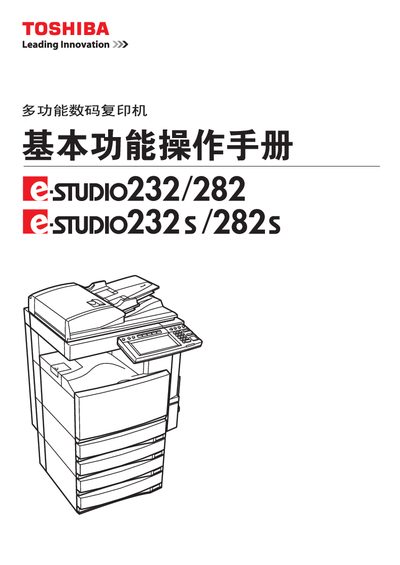
This manual explains how to set up and operate the Toshiba e-STUDIO 232/282/232S/282S multifunction printer. It covers safety precautions, component descriptions, basic operation steps, and various printing modes such as duplex and punch printing.
Additional sections describe routine maintenance, troubleshooting, and the technical specifications of the device. The document also includes packaging details and regulatory information. This manual is written in Chinese.
Refer to the section titled "更換墨粉倉符号" for step‑by‑step instructions on replacing the toner cartridge.