
Key facts
- Brand
- Philips
- Model
- MCD 510
- Category
- Audio-Video Decoder
- Industry
- Electronics
- Documents
- 2
- Languages
- ES · ZH
- Last added
- 2012-03-06
Start here
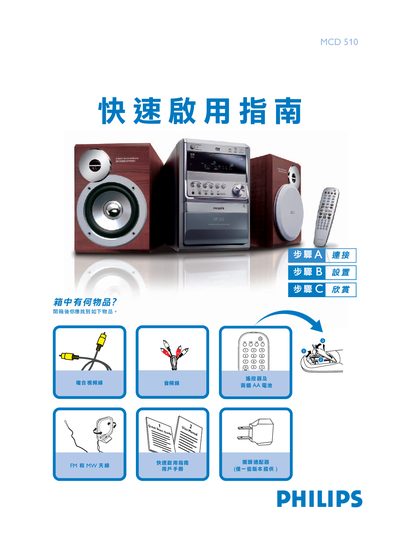
Philips MCD 510 Quick Start Guide
This guide walks you through the basic steps to get the Philips MCD 510 up and running. It starts with an unboxing checklist, shows how to connect the speaker cables, FM/MW antennas and the TV, and explains the power‑on procedure.
Further sections cover setting the clock, playing a disc, and programming radio stations. Each operation is illustrated with short step‑by‑step instructions, making it easy for first‑time users to enjoy audio playback quickly. This manual is written in Chinese.
All Philips MCD 510 documents by type
Day-to-day operation, settings and troubleshooting. Start here if the product is already set up.
The shortest path to a working setup, usually only a few pages.
Questions answered in these manuals
How do I set the clock on the MCD 510?
In standby mode, hold the CLOCK SET button, use the TUNING ST button to set hours and minutes, and press CLOCK SET again to confirm.
How can I program radio stations?
Press the PROGRAM (or ANGLE/PROG) button for more than two seconds to program all receivable stations, then use the ALBUM/PRESET button to select the desired preset.