
This manual will guide you through the operation of your Philips DVD player DVP-3310/3320. It contains instructions on how to install, connect, set up, play discs, tune in radio stations, and troubleshoot.
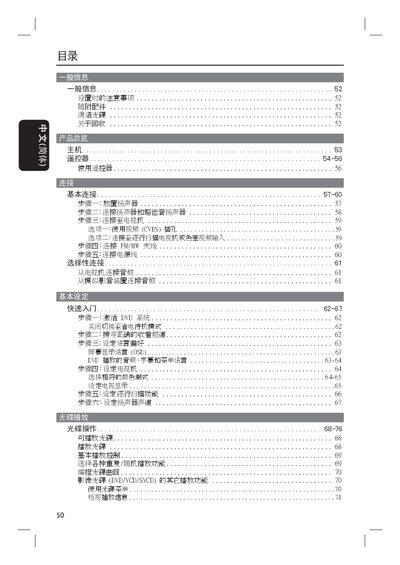
This manual provides safety guidelines and installation instructions for the Philips HTS3100 home theater system, including proper placement, ventilation, and handling of accessories. It also details the use of the remote control and the main unit's buttons for power, source selection, volume, and playback functions.
The guide explains how to adjust audio and video settings such as subtitles, aspect ratio, and sound modes, as well as troubleshooting tips for common issues like playback interruptions or image distortion. This manual is written in Japanese.
| Model series | HTS3100, HTS3101, HTS3105 |
|---|---|
| Laser classification | Class 1 |
Press the STANDBY ON button on the main unit or remote control.
Press the SUBTITLE button to display DVD subtitles.