
The document introduces the features and characteristics of the products. The products have rich functions, excellent performance, stylish appearance, and reliable quality.
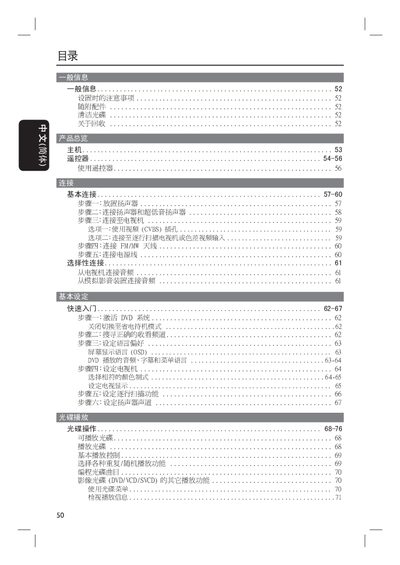
This guide provides step‑by‑step instructions for installing and using the Philips HTS3100 home theater system, covering speaker connections, source selection, remote‑control functions, and audio/video settings. It also details how to switch between DVD, VCD, TV, AUX and other input modes.
Safety and maintenance information is included, with warnings about proper placement, ventilation, and handling of the unit. The manual also lists troubleshooting steps for common issues such as playback errors and audio problems. This manual is written in Japanese.
| Model | HTS3100 |
|---|---|
| Laser Class | Class 1 |
Press the STANDBY ON button on the front panel.
Press the SUBTITLE (字幕) button on the remote or front panel.