
Key facts
- Brand
- Philips
- Model
- GC1575
- Documents
- 2
- Languages
- EN
- Last added
- 2012-03-22
Start here
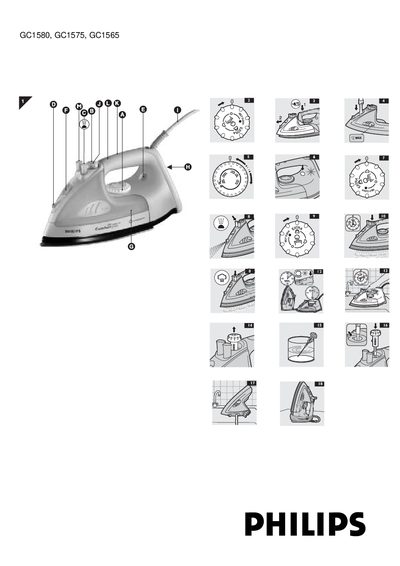
Philips GC1580/GC1575/GC1565 Iron User Manual
This manual explains how to safely set up and use the Philips GC1580, GC1575 and GC1565 steam irons. It covers initial preparation, filling the water tank, selecting the correct temperature, and using steam functions such as moderate, maximum, extra steam, shot‑of‑steam and spray.
Later sections describe maintenance procedures, including the Calc‑Clean descaling function, regular cleaning of the soleplate and water tank, storage recommendations, and a troubleshooting guide for common problems. Contact information for Philips customer care is also provided.
Philips GC1575 specifications
| Steam control positions | O = no steam, q = moderate steam, w = maximum steam |
|---|---|
| Calc‑Clean frequency | once every two weeks (more often with hard water) |
| Auto shut‑off timing | 30 s (horizontal) or 8 min (vertical) after inactivity |
| Water tank fill level | Fill up to the MAX indication; do not exceed |
All Philips GC1575 documents by type
Day-to-day operation, settings and troubleshooting. Start here if the product is already set up.
Questions answered in these manuals
How do I fill the water tank?
Remove the plug, set the steam control to O, press the release button, and fill the tank with cold tap water up to the maximum level.
What does the Calc‑Clean function do?
It removes scale and impurities by heating the iron to MAX, filling the tank, and running steam through the soleplate.