
The document describes the features and usage of a temperature controller, including temperature adjustment, steam control, spray function, and safety precautions.
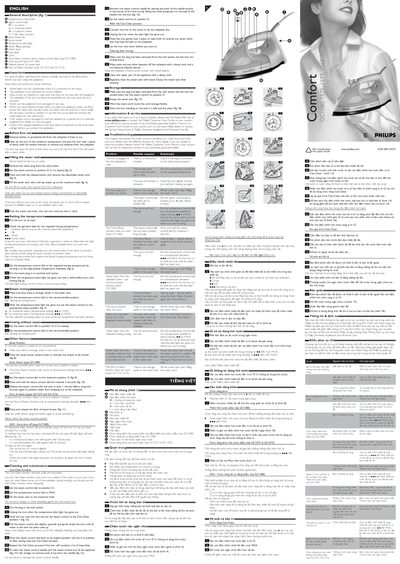
This manual provides step‑by‑step instructions for first‑time use, filling the water tank, setting temperature and steam levels, and using special functions such as Extra Steam, Shot‑of‑Steam and Calc‑Clean. Safety warnings, including auto shut‑off and proper cord handling, are highlighted throughout.
Additional sections cover routine cleaning, maintenance, storage, and a troubleshooting guide with common problems and contact information for Philips service centres.
Remove the plug, set the steam control to O, press the release button, and fill the tank with cold tap water up to the maximum level.
It removes scale and impurities by heating the iron to MAX, filling the tank, and running steam through the soleplate.
An electronic safety device automatically switches off the iron after a period of inactivity and signals the shut‑off with a blinking red pilot light.