
This is a TV produced by Philips with the model number 244EL2. It has features such as SmartImage Lite, SmartContrast, and Philips SmartControl Lite.
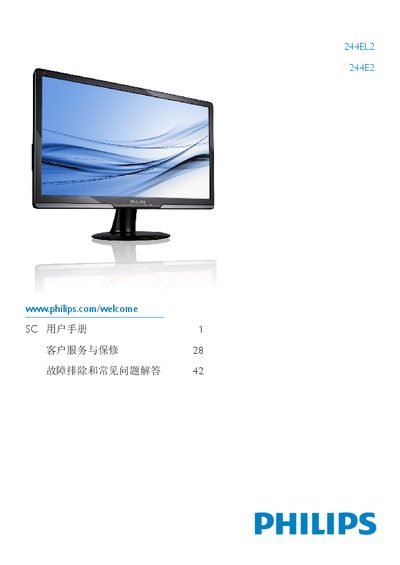
This user manual covers the Philips 244EL2/244E2 monitor, including important information, package contents, controls, wall mounting and tilt, SmartImage Lite, SmartContrast, Philips SmartControl Lite, troubleshooting, and technical specifications.
The manual states a maximum resolution of 1920 x 1080 at 60 Hz, an operating temperature range of 0-40°C, operating humidity of 20-80% RH, and a 100 mm x 100 mm VESA mount. This manual is written in Chinese.
| Maximum resolution | 1920 x 1080 @ 60 Hz |
|---|---|
| Operating temperature | 0-40°C (32-95°F) |
| Operating humidity | 20-80% RH |
| VESA mount | 100 mm x 100 mm |
Set the PC display resolution to 1920 x 1080 and the refresh rate to 60 Hz, then restart the PC.
Yes, use the OSD menu to select Color and choose settings such as 6500K, 9300K, or sRGB.
Yes, it supports a 100 mm x 100 mm VESA mount.
Yes, it can be used with Windows 7, Vista, XP, NT, Mac OSX, and Linux.