
This document describes how to display the camera ID on the monitor screen.
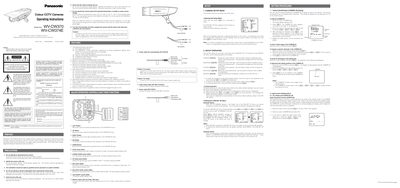
This manual provides safety precautions, installation guidance, and basic handling instructions for the Panasonic WV‑CW370 and WV‑CW374E camcorders. It explains the recommended operating temperature, humidity limits, and power requirements, and stresses that only qualified service personnel should perform internal servicing.
The document details the on‑screen CAM SET UP menu, including how to set the CAMERA ID, adjust Auto Light Control (ALC), enable or disable the SUPER‑D2 function, configure shutter speed, gain, digital noise reduction, sensitivity enhancement, synchronization modes, and white‑balance settings. Step‑by‑step procedures for masking bright areas and fine‑tuning video output are also included.
| Input power (WV‑CW370) | 220‑240 V AC 50 Hz |
|---|---|
| Input power (WV‑CW374E) | 12 V DC or 24 V AC 50 Hz |
| Operating temperature range | -30 °C to +50 °C |
| Dynamic range (typical) | 48 dB |
| Horizontal resolution (colour normal mode) | 480 lines |
The camera should be used at temperatures between –30 °C and +50 °C.
Select the SUPER‑D2 item in the ALC CONT menu and choose OFF.
Enter the SHUTTER menu, then press the left or right buttons to select the desired speed; the default setting is the factory default.