
Key facts
- Brand
- Panasonic
- Model
- ES6500
- Category
- other commodities
- Documents
- 2
- Languages
- ZH
- Last added
- 2011-09-24
Start here
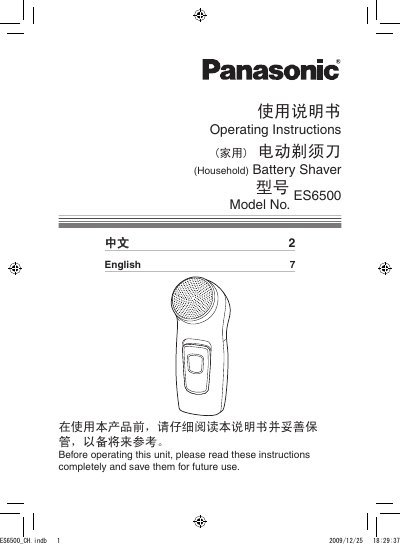
Panasonic ES6500 Electric Shaver User Manual
This manual explains how to safely operate the Panasonic ES6500 electric shaver. It includes safety precautions, proper handling of the foil, and guidance on keeping the device dry and away from children.
Detailed sections cover parts identification, battery installation, shaving technique, cleaning procedures, and the product's technical specifications. Warranty and service information are also provided. This manual is written in Chinese.
Panasonic ES6500 specifications
| Product Name | Electric Shaver |
|---|---|
| Model | ES6500 |
| Rated Voltage | 3.0V |
| Battery Type | Two AA LR6 (5号) alkaline batteries |
| Standard | Q/SXDGWB |
All Panasonic ES6500 documents by type
Day-to-day operation, settings and troubleshooting. Start here if the product is already set up.
Questions answered in these manuals
How do I replace the batteries in the Panasonic ES6500 shaver?
Turn off the shaver by setting the 0/1 switch to the “0” position, remove the battery cover, insert two AA (LR6) alkaline batteries, and reattach the cover.
What safety precautions should I follow before using the shaver?
Always turn the shaver off before maintenance, do not disassemble or alter the appliance, keep it dry, and keep it out of reach of children.