
This document is an operating instruction manual for the household battery shaver ES6500. The document provides detailed information on the safety precautions, various parts of the shaver, battery replacement steps, how to use the shaver, and the cleaning process. It also reminds users to pay attention to the maintenance and safe use of the shaver.
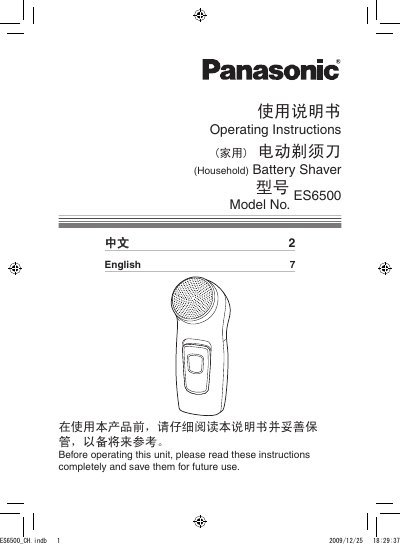
This manual explains how to safely operate the Panasonic ES6500 electric shaver. It includes safety precautions, proper handling of the foil, and guidance on keeping the device dry and away from children.
Detailed sections cover parts identification, battery installation, shaving technique, cleaning procedures, and the product's technical specifications. Warranty and service information are also provided. This manual is written in Chinese.
| Product Name | Electric Shaver |
|---|---|
| Model | ES6500 |
| Rated Voltage | 3.0V |
| Battery Type | Two AA LR6 (5号) alkaline batteries |
| Standard | Q/SXDGWB |
Turn off the shaver by setting the 0/1 switch to the “0” position, remove the battery cover, insert two AA (LR6) alkaline batteries, and reattach the cover.
Always turn the shaver off before maintenance, do not disassemble or alter the appliance, keep it dry, and keep it out of reach of children.
Remove the outer foil and inner blade block, use the cleaning brush to clean the components, then reassemble them in reverse order.