
Key facts
- Brand
- Panasonic
- Model
- PT-FW300U
- Category
- other commodities
- Industry
- Electronics
- Documents
- 2
- Languages
- EN
- Last added
- 2012-08-07
Start here
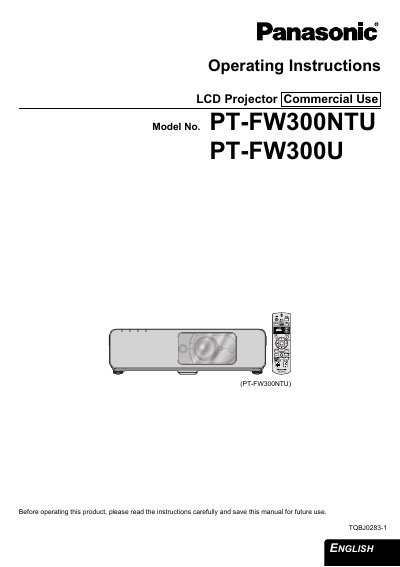
Panasonic PT-FW300U LCD Projector Operating Instructions
This manual provides operating instructions for the Panasonic PT-FW300U commercial LCD projector. It covers essential safety notices, initial setup steps including screen size determination and lens positioning, and connection methods for computers and AV equipment. The guide details how to switch the device on and off, select input signals, and adjust image settings such as contrast, brightness, and keystone correction.
Read onlinePanasonic PT-FW300U specifications
| RF Standard | ISO 15693 |
|---|---|
| RF Frequency | 13.56 MHz |
| Included Software | M24LRxx_Application_Software |
All Panasonic PT-FW300U documents by type
Day-to-day operation, settings and troubleshooting. Start here if the product is already set up.
Questions answered in these manuals
What products is the DEMOKIT-M24LR-A designed for?
It is a demonstration kit for ST Dual Interface EEPROM products, specifically the M24LRxx series.
What is included in the installation CD-ROM?
The CD-ROM includes technical documentation, installation software, and PC software.
What is the power supply requirement for this projector?
The LCD Projector is designed to operate on 100 V - 240 V, 50 Hz/60 Hz AC house current only.
From: Panasonic PT-FW300U LCD Projector Operating Instructions
Where can I find the serial number of my product?
The serial number may be found on the bottom of the projector.
From: Panasonic PT-FW300U LCD Projector Operating Instructions