
Key facts
- Brand
- Panasonic
- Model
- DMC-FX700GK
- Category
- Digital cameras
- Industry
- Electronics
- Documents
- 4
- Languages
- ZH
- Last added
- 2012-03-16
Start here
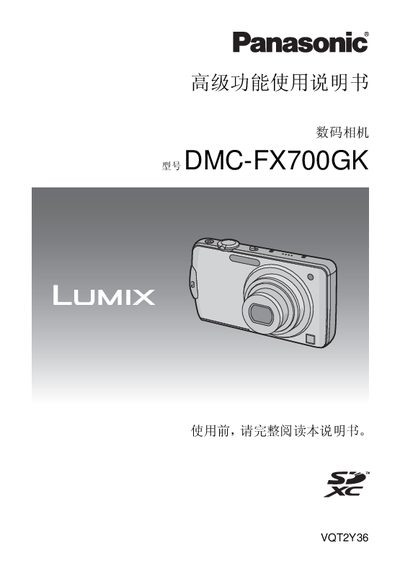
Panasonic DMC-FX700GKdigital camera senior function Manual
This manual explains how to operate the Panasonic DMC-FX700GK digital camera, covering basic usage, charging the battery, inserting memory cards, and navigating the touch screen LCD. It details each shooting mode, advanced functions such as autofocus, exposure control, and special effects, as well as playback and image editing options.
The guide also lists the standard accessories, describes the camera's connectors (HDMI, AV, tripod socket), and provides file‑format information and recording limits for Dynamic JPEG and AVCHD video modes. Troubleshooting tips and warranty notices are included at the end. This manual is written in Chinese.
Panasonic DMC-FX700GK specifications
| Battery charging time (full) | 130 minutes |
|---|---|
| Internal memory capacity | ≈40 MB |
| Maximum still images in internal memory | ≈300 images |
| Dynamic JPEG recording time (max) | ≈80 minutes |
All Panasonic DMC-FX700GK documents by type
Day-to-day operation, settings and troubleshooting. Start here if the product is already set up.
Questions answered in these manuals
How long does it take to fully charge the battery?
It takes about 130 minutes to fully charge the battery from a completely discharged state.
How many photos can be stored in the internal memory?
The internal memory can hold roughly 300 still images.
Which battery model is compatible with the DMC-FX700GK?
The camera uses the DMW-BCF10GK battery.
How do I charge the battery?
Connect the supplied charger to an AC outlet and insert the battery; charging starts when the [CHARGE] indicator lights up.
Can I use any HDMI cable with the camera?
Only the supplied Panasonic HDMI mini cable should be used.
What are the risks of placing the battery incorrectly?
Incorrect battery placement can cause explosion hazards.