
Key facts
- Brand
- Panasonic
- Model
- DMC-FX520GK
- Category
- Digital cameras
- Industry
- Electronics
- Documents
- 2
- Languages
- ZH · JA
- Last added
- 2012-03-16
Start here
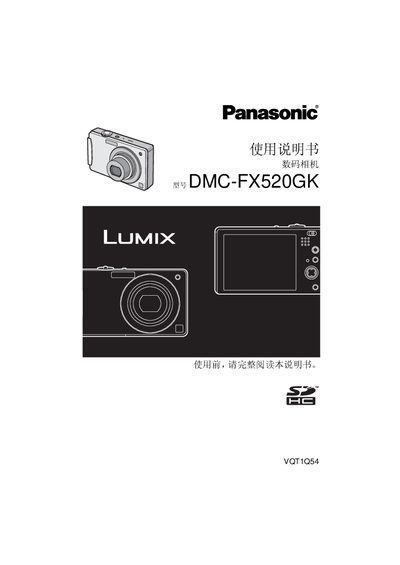
Panasonic DMC-FX520GK Digital Camera User Guide
This guide explains how to safely use the Panasonic DMC-FX520GK digital camera. It includes warnings about fire, heat, moisture, and proper handling of the battery and accessories. The safety section also advises against exposing the camera to water, sand, or open flames.
The manual details the camera’s functions, quick start procedures, and lists all supplied accessories such as the battery, charger, AC adapter, USB cable, AV cable, strap, and memory card. Technical specifications such as dimensions, weight, operating temperature, humidity range, and power requirements are provided at the end of the document. This manual is written in Japanese.
Panasonic DMC-FX520GK specifications
| Image sensor | 1/2.33" CCD |
|---|---|
| Optical zoom | 5× |
| Power consumption (shooting) | 1.6 W |
| Dimensions | 94.9 mm × 57.1 mm × 22.9 mm |
| ISO range (auto) | 100‑1600 |
| Battery | 3.6 V 1000 mAh (Li‑ion) |
All Panasonic DMC-FX520GK documents by type
Day-to-day operation, settings and troubleshooting. Start here if the product is already set up.
Questions answered in these manuals
How do I insert a memory card?
With the camera turned off, align the card’s direction arrow with the slot and push it in until you hear a click. To remove, press the card until it clicks and pull it out.
What are the power requirements for the camera?
It operates from 110 V to 240 V, 50/60 Hz, drawing 0.2 A, and the battery charges at 4.2 V with a current of 0.8 A.