
Key facts
- Brand
- Panasonic
- Model
- DMC-FX75GK
- Category
- Digital cameras
- Industry
- Electronics
- Documents
- 4
- Languages
- ZH
- Last added
- 2012-03-16
Start here
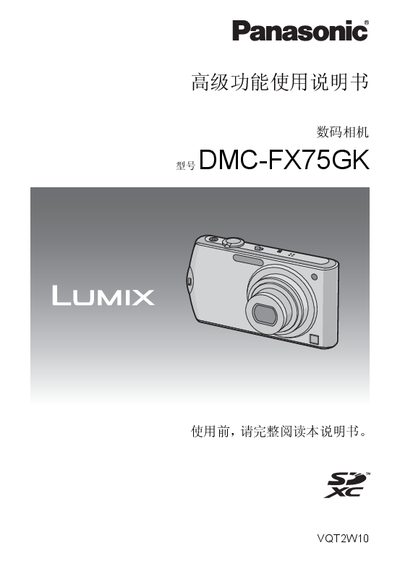
Panasonic DMC-FX75GKdigital camera senior function Manual
This manual explains how to set up and use the Panasonic DMC-FX75GK digital camera, covering basic handling, shooting modes, and playback functions. It includes a quick‑start guide, detailed descriptions of buttons and menus, and safety precautions.
Additional sections describe the available accessories, memory‑card compatibility, HDMI and AV output connections, and printing or transferring images to a computer. Technical limits such as recording duration and file‑size restrictions are also listed. This manual is written in Chinese.
Panasonic DMC-FX75GK specifications
| Maximum still images per charge | ≈ 360 images |
|---|---|
| Battery type | DMW‑BCF10GK |
| Battery charging time | ≈ 130 minutes |
| Weight (with battery & card) | ≈ 165 g |
All Panasonic DMC-FX75GK documents by type
Day-to-day operation, settings and troubleshooting. Start here if the product is already set up.
Questions answered in these manuals
What battery model does the DMC-FX75GK use?
The camera uses the Panasonic DMW‑BCF10GK battery.
How long does it take to fully charge the battery?
Charging the battery takes about 130 minutes.
How can I connect the camera to a TV?
Use the HDMI interface on the camera to connect to a TV.
From: Panasonic DMC-FX75GKdigital camera senior function Manual
Can I use other cables with the camera?
No, only the supplied AV cable and USB cable should be used.
What should I do if the battery is placed incorrectly?
Incorrect placement can cause explosion; always use the correct battery type as specified by the manufacturer.