
Key facts
- Brand
- Panasonic
- Model
- DMC-FX80
- Category
- Digital cameras
- Industry
- Electronics
- Documents
- 2
- Languages
- JA · ZH
- Last added
- 2012-03-15
Start here
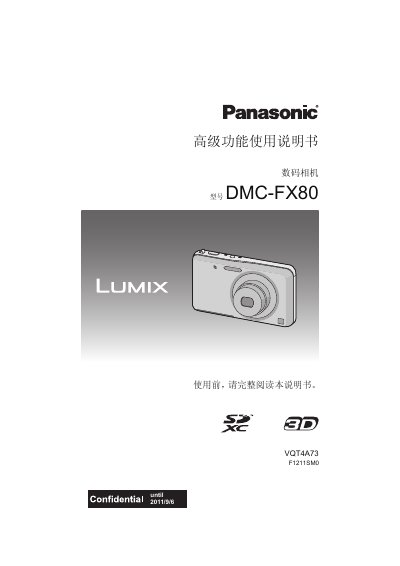
Panasonic DMC-FX80 Digital Camera User Manual
This manual provides step‑by‑step instructions for using the Panasonic DMC‑FX80 digital camera, including safety precautions, standard accessories, and detailed operation of the touch screen, shooting modes, and playback functions.
It also covers battery charging, memory‑card handling, connection to external devices such as TVs via HDMI, and troubleshooting tips for common issues. This manual is written in Chinese.
Panasonic DMC-FX80 specifications
| Effective Pixels | 12,100,000 pixels |
|---|---|
| Image Sensor | 1/2.33" CCD, 12,500,000 total pixels |
| Lens Zoom | 5x optical zoom, 4.3‑21.5 mm (35 mm equivalent 24‑120 mm) |
| Power Supply | DC 5.1 V |
| Power Consumption | 1.6 W (shooting) / 0.9 W (playback) |
| LCD Monitor | 3.0" TFT LCD, approx. 230,000 dots |
| Weight | ≈131 g (with battery and memory card) |
| Dimensions (without protrusions) | ≈96.3 mm (W) × 56 mm (H) × 19.4 mm (D) |
| AC Adapter Output | 5 V, 800 mA |
All Panasonic DMC-FX80 documents by type
Day-to-day operation, settings and troubleshooting. Start here if the product is already set up.
Questions answered in these manuals
What types of memory cards are supported by the DMC-FX80?
The camera supports SD, SDHC, and SDXC memory cards; Panasonic‑branded cards are recommended.
How do I charge the battery?
Use the supplied AC adapter or USB cable while the camera is turned off, insert the battery, and follow the charging indicator instructions.
What type of memory card can I use?
The camera supports SD, SDHC, and SDXC memory cards.