
Key facts
- Brand
- Panasonic
- Model
- DM-CFX90
- Category
- Digital cameras
- Industry
- Electronics
- Documents
- 3
- Languages
- EN · ES
- Last added
- 2012-08-09
Start here
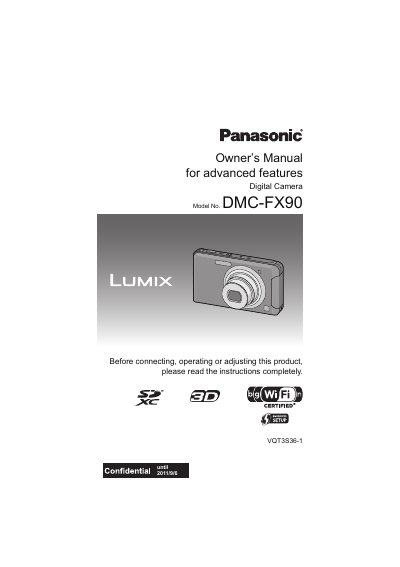
Panasonic DMC-FX90 Digital Camera Owner's Manual
This document is the Owner's Manual for the Panasonic DMC-FX90 digital camera. It covers essential topics such as care instructions, standard accessories, and the functions of main parts. The guide details how to use the touch panel for various operations, including taking pictures, playing back images, and adjusting settings like zoom and white balance. It also explains how to record motion pictures and utilize scene-specific modes.
Read onlineAll Panasonic DM-CFX90 documents by type
Day-to-day operation, settings and troubleshooting. Start here if the product is already set up.
Questions answered in these manuals
How long should I wait for condensation to disappear from the lens or LCD monitor?
Turn the camera off and leave it for about 2 hours until the temperature matches the ambient environment.
What should I do if condensation appears on the lens or LCD monitor?
Turn the camera off and leave it for about 2 hours until the fog disappears naturally.
What is the model number of this digital camera?
The model number is DMC-FX90.
What voltage range does the battery charger support?
The battery charger works with AC between 110 V and 240 V.
What is required to send images to a smartphone?
The smartphone application LUMIX LINK is required, along with a smartphone or wireless access point.
Where can I find more detailed instructions?
More detailed instructions are contained in the Owner's Manual for advanced features available on the supplied CD-ROM.