
This document is the user manual for Panasonic DMC-FX520GK camera, which introduces the basic functions and usage methods of the camera.
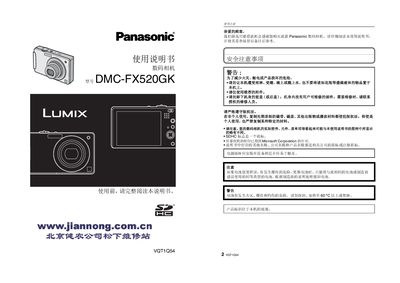
This manual introduces the Panasonic DMC-FX520GK digital camera, covering safety precautions, required accessories, and basic operation. It explains how to charge the battery, insert memory cards, and use the touch‑screen interface.
Detailed sections describe menu navigation, shooting modes, image playback, and how to configure date/time, ISO, and other settings. Technical specifications and regulatory information are listed at the end of the document. This manual is written in Chinese.
| Image sensor | 1/2.33" CCD |
|---|---|
| Optical zoom | 5× |
| Power consumption (shooting) | 1.6 W |
| Dimensions | 94.9 mm × 57.1 mm × 22.9 mm |
| ISO range (auto) | 100‑1600 |
| Battery | 3.6 V 1000 mAh (Li‑ion) |
With the camera turned off, align the card’s direction arrow with the slot and push it in until you hear a click. To remove, press the card until it clicks and pull it out.