
Key facts
- Brand
- NETGEAR
- Model
- WN111
- Industry
- Electronics
- Documents
- 2
- Languages
- EN
- Last added
- 2026-11-22
Start here
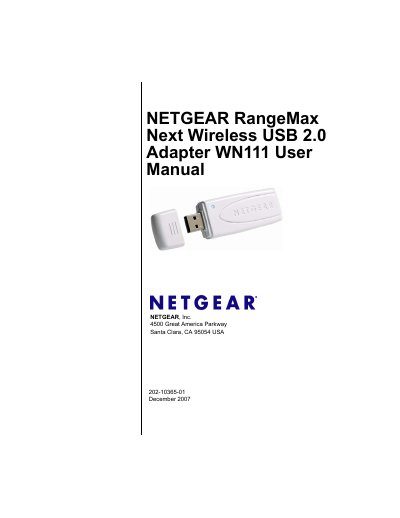
NETGEAR WN111 Wireless USB 2.0 Adapter User Manual
This manual provides step-by-step instructions for installing and configuring the NETGEAR WN111 wireless USB 2.0 adapter. It covers basic setup, connecting to wireless networks, setting up security (WEP, WPA-PSK, WPA2-PSK), optimizing performance, and troubleshooting common issues. The guide also includes information on default settings, software upgrades, and compatibility with Windows systems.
The document is multilingual, with translations in multiple languages including French, Spanish, German, and others, but the primary content is in English. It includes regulatory compliance statements and safety information for FCC and international standards.
NETGEAR WN111 specifications
| Model Number | WN111 |
|---|---|
| Publication Date | December 2007 |
| Product Family | Wireless USB 2.0 Adapter |
| Maximum Wireless Signal Rate | Derived from IEEE Standard 802.11 Specifications |
| SAR Value | 0.74 W/kg |
All NETGEAR WN111 documents by type
Day-to-day operation, settings and troubleshooting. Start here if the product is already set up.
Mounting, wiring and first power-up. Read it before the hardware goes in.
Questions answered in these manuals
How do I connect the WN111 to a wireless network?
Connect the adapter to your computer via USB, then use the Smart Wizard to join a network or manually select a wireless network.
What security options are available for the WN111?
You can set up WEP, WPA-PSK, or WPA2-PSK security using the Smart Wizard or manual configuration.
How do I install the NETGEAR WN111v2 software?
Insert the Resource CD, run the installer, and follow the Smart Wizard prompts to complete the installation.
From: NETGEAR WN111v2 Wireless-N USB 2.0 Adapter Installation Guide
Where can I view details about my wireless connection?
Open the Settings tab and check the status bar at the bottom for network name, security, channel, data rate, and signal strength.
From: NETGEAR WN111v2 Wireless-N USB 2.0 Adapter Installation Guide