
Key facts
Start here
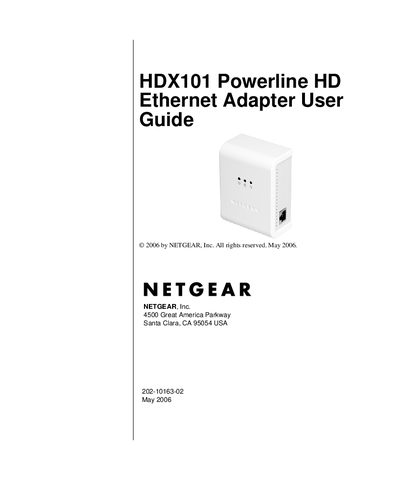
Netgear HDX101 Powerline HD Ethernet Adapter User Manual
This guide explains how to install, configure, and manage the Netgear HDX101 Powerline HD Ethernet Adapter. It covers hardware setup, connecting to a router, using the configuration utility, and integrating with HomePlug networks.
The manual also includes troubleshooting steps, safety notices, FCC compliance information, and a full technical specifications appendix that details performance, dimensions, power consumption, and security features.
NETGEAR HDX101 specifications
| Data Transfer Rate | 200 Mbps |
|---|---|
| Dimensions | 98 mm × 72 mm × 40 mm |
| Operating Temperature | 0 °C to 40 °C |
| Operating Humidity | 10‑90 % RH (non‑condensing) |
| Encryption Type | DES/3DES |
| Network Compatibility | IEEE 802.3 (10BASE‑T), IEEE 802.3u (100BASE‑Tx) |
Source: Netgear HDX101 Powerline HD Ethernet Adapter User Manual
All NETGEAR HDX101 documents by type
Day-to-day operation, settings and troubleshooting. Start here if the product is already set up.
Questions answered in these manuals
Where can I find product updates for the HDX101?
Product updates are available on the Netgear website at the HDX101 support page.
From: Netgear HDX101 Powerline HD Ethernet Adapter User Manual
What encryption does the HDX101 use for security?
It uses DES/3DES encryption.
From: Netgear HDX101 Powerline HD Ethernet Adapter User Manual
What do the LEDs on the HDX101 indicate?
The Power LED shows green when the device has power, the Link LED (blue) is solid when the Powerline network is connected, and the Ethernet traffic LED (green) blinks when data is passing through the Ethernet port.
From: NETGEAR HDX101 Powerline HD Ethernet Adapter User Manual
How do I install the HDX101 Powerline HD Ethernet Adapter?
Plug the blue Ethernet cable from the HDX101 into a LAN port on your router, connect the HDX101 to an electrical outlet, and then connect the other end of the Ethernet cable to the HDX101. Repeat for additional units and wait for the LEDs to indicate successful connection.
From: NETGEAR HDX101 Powerline HD Ethernet Adapter User Manual