
Key facts
Start here
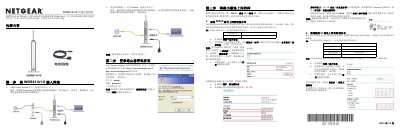
NETGEAR WGR614v10 Wireless Router User Manual
This document is the user manual for the NETGEAR WGR614v10, an N150 Series wireless router. It guides users through a five-step setup process to install and configure the device for internet access. The guide covers connecting the hardware, accessing the management interface, configuring internet connection types (PPPoE, Static IP, Dynamic IP), and setting up wireless security. This manual is written in Chinese.
Read onlineAll NETGEAR WGR614v10 documents by type
Day-to-day operation, settings and troubleshooting. Start here if the product is already set up.
Questions answered in these manuals
How many steps are required to complete the router setup?
The setup process requires exactly 5 steps to complete.
From: NETGEAR WGR614v10 N150 Series Wireless Router User Manual
What is the maximum data transfer rate for the LAN ports?
The LAN ports support a maximum speed of 100Mbps when connected to compatible devices.
From: NETGEAR WGR614v10 N150 Series Wireless Router User Manual