
Key facts
- Brand
- NETGEAR
- Model
- ReadyNAS OS 6
- Category
- Storage devices
- Industry
- Computers
- Documents
- 3
- Languages
- ZH · EN
- Last added
- 2026-10-15
Start here
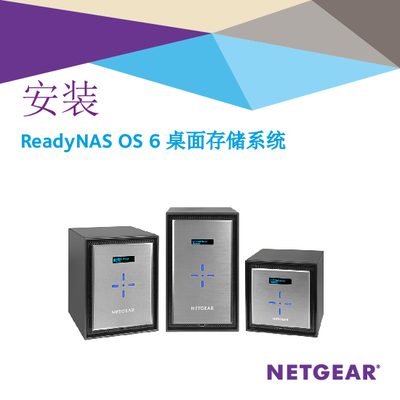
NETGEAR ReadyNAS OS 6 Desktop Storage System User Manual
This document serves as a user guide for the NETGEAR ReadyNAS OS 6 desktop storage system. It details the initial setup process, including unpacking the system, installing hard drives, and connecting power and network cables. The guide offers two primary methods for initial configuration: using the Insight mobile app or the ReadyCLOUD web interface. This manual is written in Chinese.
Read onlineAll NETGEAR ReadyNAS OS 6 documents by type
Mounting, wiring and first power-up. Read it before the hardware goes in.
Day-to-day operation, settings and troubleshooting. Start here if the product is already set up.
Questions answered in these manuals
How long does the setup process take?
The setup process takes approximately 15 minutes.
From: NETGEAR ReadyNAS OS 6 Desktop Storage System User Manual
What is the required procedure to factory reset a 2-bay or 4-bay system?
Press and hold the Reset button while pressing the Power button, then release Reset when the Disk 1 LED lights up.
From: NETGEAR ReadyNAS OS 6 Desktop Storage System User Manual
How do I install ReadyNAS OS 6 using ReadyCLOUD?
Select the "Setup with ReadyCLOUD (Default)" option during the installation wizard.
What option should I choose for a local‑only installation?
Choose "Offline Installation (Advanced)" to configure the device for use within your home or office network only.