
Key facts
Start here
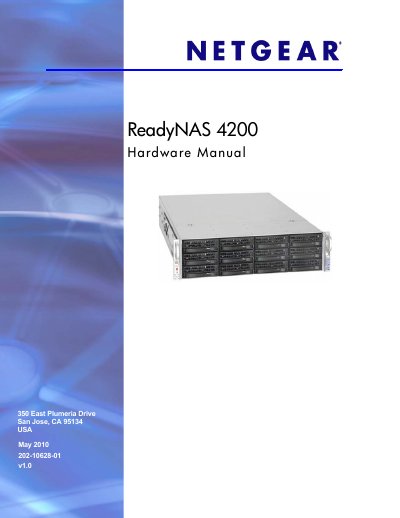
Netgear ReadyNAS 4200 Hardware Manual
This manual covers the physical features of the ReadyNAS 4200, including the control panel, front and rear panels, disk bays, and rack‑mount installation. It guides users through initial setup, IP configuration, and default settings, as well as safety and environmental precautions.
Later chapters detail diagnostics, system shutdown, firmware reinstall, RAID management, and component replacement such as disks, fans, power supplies, and the onboard battery. Appendices list factory defaults, technical specifications, and regulatory compliance information.
NETGEAR ReadyNAS 4200 specifications
| Power supplies | Two 700W server‑rated AC power supplies |
|---|---|
| Input voltage | 100‑240V AC, 50/60Hz |
| Power consumption | 170W typical with 6 1TB disks |
| Operating temperature | 0 °C to 40 °C (32 °F – 104 °F) |
| Dimensions (H×W×D) | 3.5 × 17.2 × 25.5 in. (89 × 437 × 648 mm) |
| Weight | 32.8 kg (76 lb) with 12 disks |
| Disk bays | 12 hot‑swappable SATA drive bays |
All NETGEAR ReadyNAS 4200 documents by type
Day-to-day operation, settings and troubleshooting. Start here if the product is already set up.
Mounting, wiring and first power-up. Read it before the hardware goes in.
Questions answered in these manuals
How many disk bays does the ReadyNAS 4200 have?
The ReadyNAS 4200 provides twelve hot‑swappable SATA drive bays.
What are the default login credentials for the ReadyNAS 4200?
The default login user name is admin and the password is netgear1.
How do I install the RAIDar software?
Insert the supplied CD and run the RAIDar installer; the CD includes Windows, Mac and Linux versions of the software.
What are the default admin credentials?
The default username is admin and the default password is netgear1.