
Key facts
Start here
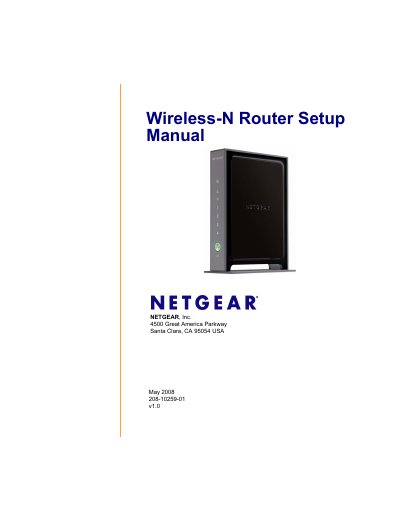
NETGEAR WNR2000 Wireless-N Router Setup Manual
This manual guides you through everything you need to get your NETGEAR WNR2000 Wireless‑N router up and running, from checking the package contents and positioning the device to installing firmware and securing your wireless network.
It also includes the router’s default configuration settings, technical specifications, and troubleshooting tips to help you resolve common issues such as login problems, internet connectivity, and wireless performance.
Netgear R2000 specifications
| Default LAN IP address | 192.168.1.1 |
|---|---|
| Default SSID | NETGEAR |
| Default wireless channel (US) | 11 |
| Maximum wireless data rate | Up to 145 Mbps |
| Number of LAN ports | 4 (10/100 Mbps) |
All Netgear R2000 documents by type
Mounting, wiring and first power-up. Read it before the hardware goes in.
Day-to-day operation, settings and troubleshooting. Start here if the product is already set up.
Questions answered in these manuals
How do I reset the router to factory settings?
Press the reset button inside the hole on the router’s bottom for at least 7 seconds using a pin or similar object.
What is the default Wi‑Fi password?
The default Wi‑Fi password is printed on the product label.
What are the default login credentials for the router?
The default username is admin and the default password is password.
How can I reset the router to factory settings?
Press the reset button inside the small hole on the router’s bottom with a pin and hold for at least 7 seconds.
What is the default SSID and security setting for the WNR2000 router?
The default SSID is "NETGEAR" and wireless security is disabled.
Which channel does the router use by default in the United States?
It uses RF channel 11 by default.