
Key facts
Start here
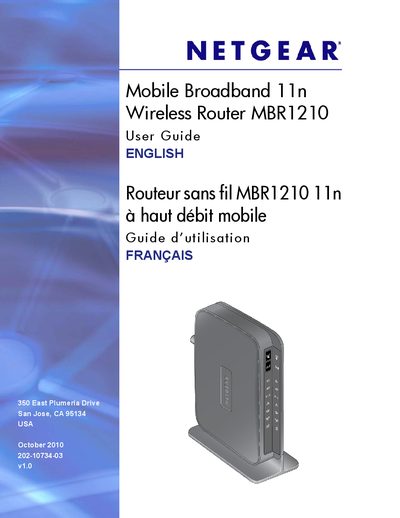
Netgear MBR1210 Mobile Broadband 11n Wireless Router User Guide
This guide explains how to install and connect the Netgear MBR1210 Mobile Broadband 11n Wireless Router, covering hardware features, front‑panel LEDs, and the required steps to establish an Internet connection using mobile broadband or Ethernet. It also describes how to position the router, attach the stand, and verify signal quality.
The manual details wireless network configuration, security options (WEP, WPA/WPA2, WPS), advanced settings such as port forwarding, QoS, and remote management, as well as backup, restore, and factory‑reset procedures. Troubleshooting tips for common connectivity and configuration issues are included.
NETGEAR MBR1210 specifications
| Network Protocols | TCP/IP, DHCP |
|---|---|
| Power Adapter | 12 V DC @ 1.5 A (North America 120 V AC, 60 Hz) |
| Dimensions | 6.8 in. × 5.03 in. × 1.28 in. (173 mm × 128 mm × 33 mm) |
| Weight | 0.65 lb (0.29 kg) without the stand |
| Operating Temperature | 0 °C to 40 °C (32 °F to 104 °F) |
| Operating Humidity | Up to 90 % non‑condensing |
| LAN Interface | 10BASE‑T or 100BASE‑Tx, RJ‑45 |
| WAN Interface | 10BASE‑T or 100BASE‑Tx, RJ‑45 |
| Antenna Connector | R‑TNC (optional external antenna) |
Source: NETGEAR MBR1210 Mobile Broadband 11n Wireless Router User Manual
All NETGEAR MBR1210 documents by type
Day-to-day operation, settings and troubleshooting. Start here if the product is already set up.
Questions answered in these manuals
How do you reset the router to factory defaults?
Locate the small reset hole on the back, insert a paperclip and hold for 6 seconds; the LED will flash amber then turn green and the router will reset.
From: NETGEAR MBR1210 Mobile Broadband 11n Wireless Router User Manual
What do the Wi‑Fi LEDs indicate?
Solid blue means the Wi‑Fi radio is initialized, blinking blue shows data transmission, and off means the wireless access point is turned off.
From: NETGEAR MBR1210 Mobile Broadband 11n Wireless Router User Manual
How do I use WPS to connect a device?
Press the WPS button on the front panel to open a 2‑minute window during which WPS‑enabled devices can connect.
From: Netgear MBR1210 Mobile Broadband 11n Wireless Router User Guide
How can I back up the router configuration?
Select the "Backing Up the Configuration to a File" option in the router’s management interface.
From: Netgear MBR1210 Mobile Broadband 11n Wireless Router User Guide