
Key facts
- Brand
- NETGEAR
- Model
- WNR2000v3
- Industry
- Electronics
- Documents
- 2
- Languages
- ZH · EN
- Last added
- 2026-11-20
Start here
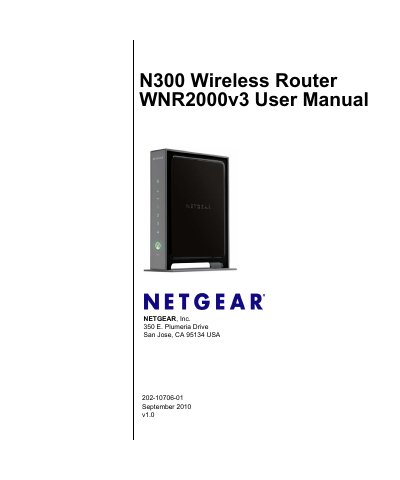
NETGEAR WNR2000v3 N300 Wireless Router User Manual
This manual provides step-by-step instructions for configuring and using the NETGEAR WNR2000v3 N300 wireless router. It covers network setup, security settings, and monitoring tools. The router is designed for home or office use and complies with FCC and Industry Canada regulations. Firmware limits channel availability by region, and some features may not be accessible to end users.
Read onlineNETGEAR WNR2000v3 specifications
| Internet Connection Types | PPPoE, Static IP, Dynamic IP |
|---|---|
| Default Login Credentials | Username: admin, Password: password |
| Wireless Security | Pre-set SSID and password (unique per device) |
All NETGEAR WNR2000v3 documents by type
Day-to-day operation, settings and troubleshooting. Start here if the product is already set up.
Questions answered in these manuals
How do I reset the router to factory defaults?
Press and hold the reset button for 10 seconds using a pin or paperclip while the router is powered on. The power light will turn from orange to green.
What is the default username and password to log in to the router's management interface?
The default username is admin and the password is password.
What is the model number of this router?
The model number is WNR2000v3.
What is the publication date of this manual?
The manual was published in September 2010.