
Key facts
- Brand
- NETGEAR
- Model
- RAX120
- Category
- Router
- Industry
- Electronics
- Documents
- 2
- Languages
- EN · ZH
- Last added
- 2026-11-17
Start here
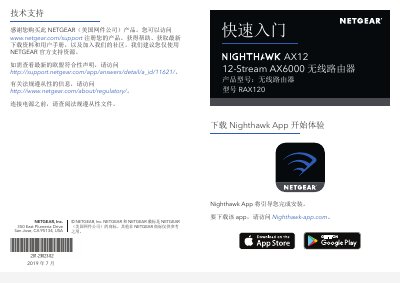
NETGEAR RAX120 12-Stream AX6000 Wireless Router Quick Start Guide
This document is a Quick Start Guide for the NETGEAR RAX120 12-Stream AX6000 wireless router. It includes information on product registration, obtaining technical support, and safety precautions regarding power connection.
The guide details how to use the Nighthawk App to complete installation and manage network settings such as changing the WiFi name and password. It also lists the contents of the package and describes the hardware ports and LEDs located on the back panel of the router. This manual is written in Chinese.
All NETGEAR RAX120 documents by type
Day-to-day operation, settings and troubleshooting. Start here if the product is already set up.
The shortest path to a working setup, usually only a few pages.
Questions answered in these manuals
What is included in the router package?
The package contains the router, the power adapter, and an Ethernet cable.
From: NETGEAR Nighthawk AX12 12-Stream AX6000 RAX120 WiFi Router User Manual
How do I return the router to its factory default settings?
Press and hold the Reset button on the back of the router for at least seven seconds.
From: NETGEAR Nighthawk AX12 12-Stream AX6000 RAX120 WiFi Router User Manual
What is the product model number?
The product model number is RAX120.
From: NETGEAR RAX120 12-Stream AX6000 Wireless Router Quick Start Guide
How many Ethernet ports are available on the router?
There are four Ethernet ports labeled 1 through 4.
From: NETGEAR RAX120 12-Stream AX6000 Wireless Router Quick Start Guide