
User guide for NETGEAR WN111 wireless USB 2.0 adapter with setup, security, and troubleshooting instructions.
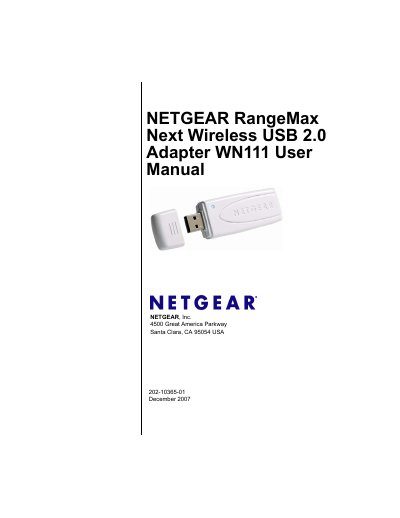
This manual provides step-by-step instructions for installing and configuring the NETGEAR WN111 wireless USB 2.0 adapter. It covers basic setup, connecting to wireless networks, setting up security (WEP, WPA-PSK, WPA2-PSK), optimizing performance, and troubleshooting common issues. The guide also includes information on default settings, software upgrades, and compatibility with Windows systems.
The document is multilingual, with translations in multiple languages including French, Spanish, German, and others, but the primary content is in English. It includes regulatory compliance statements and safety information for FCC and international standards.
| Model Number | WN111 |
|---|---|
| Publication Date | December 2007 |
| Product Family | Wireless USB 2.0 Adapter |
| Maximum Wireless Signal Rate | Derived from IEEE Standard 802.11 Specifications |
| SAR Value | 0.74 W/kg |
Connect the adapter to your computer via USB, then use the Smart Wizard to join a network or manually select a wireless network.
You can set up WEP, WPA-PSK, or WPA2-PSK security using the Smart Wizard or manual configuration.
The default wireless settings are listed in Chapter 1, section 'WN111 Default Wireless Settings'.