
Key facts
Start here
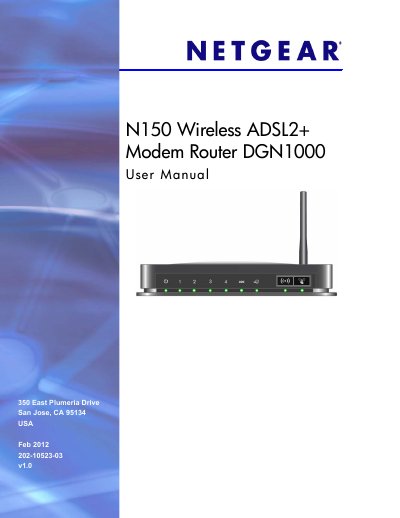
N150 Wireless ADSL2+ Modem Router DGN1000 User Manual
This manual guides you through the hardware setup of the N150 Wireless ADSL2+ Modem Router DGN1000, including unpacking, identifying the front and back panels, connecting power, DSL, and Ethernet cables, and verifying the connections. It also explains the label information such as MAC address, serial number, and default login credentials.
The document then covers router configuration steps: Internet setup, wireless settings, security options, firmware upgrades, advanced WAN/DNS settings, and troubleshooting common issues. Appendices provide factory default settings, detailed technical specifications, and compliance information.
NETGEAR DGN1000 specifications
| Router Login URL | http://www.routerlogin.net or http://www.routerlogin.com |
|---|---|
| Default Username | admin |
| Default Password | password |
| LAN IP Address | 192.168.0.1 |
| Subnet Mask | 255.255.255.0 |
| DHCP Server | Enabled |
| WAN MTU Size | 1492 |
| Maximum Wireless Data Rate | Up to 150 Mbps |
| Transmission Speed | Auto1 |
Source: N150 Wireless ADSL2+ Modem Router DGN1000 User Manual
All NETGEAR DGN1000 documents by type
Day-to-day operation, settings and troubleshooting. Start here if the product is already set up.
Questions answered in these manuals
How do I reset the router to factory defaults?
Press and hold the Restore Factory Settings button on the bottom of the router for at least 7 seconds; the router will reset to its factory configuration.
What is the default IP address to access the router’s web interface?
The default LAN IP address is 192.168.0.1, which you can enter in a web browser to reach the router’s configuration page.
How do you reset the router to factory defaults?
Press and hold the Restore Factory Settings button on the bottom of the unit for 6 seconds; the LED blinks red three times then turns green as the router resets.
From: NETGEAR N150 DGN1000 Wireless ADSL2+ Modem Router User Manual
How many Ethernet LAN ports are on the N150 router?
The router provides four Ethernet RJ‑45 LAN ports for connecting local devices.
From: NETGEAR N150 DGN1000 Wireless ADSL2+ Modem Router User Manual