
Key facts
Start here
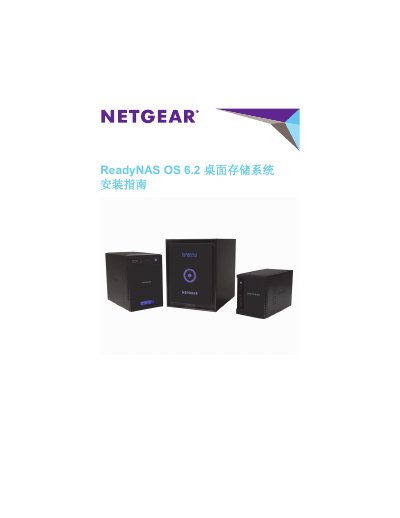
NETGEAR ReadyNAS OS 6.2 Desktop Storage System Installation Guide
The ReadyNAS OS 6.2 Desktop Storage System Installation Guide provides step-by-step instructions for setting up the storage system, including hardware installation and initial configuration via ReadyCLOUD or RAIDar.
It also details the process for reformatting previously used hard drives to create a single X-RAID2 volume and provides guidelines for the correct shutdown of 2-bay, 4-bay, and 6-bay systems. This manual is written in Chinese.
All NETGEAR ReadyNAS OS 6.2 documents by type
Mounting, wiring and first power-up. Read it before the hardware goes in.
Questions answered in these manuals
How do I correctly shut down a 2-bay storage system?
Press the Power button twice to correctly shut down a 2-bay storage system.
From: NETGEAR ReadyNAS OS 6.2 Desktop Storage System Installation Guide
What should I do if my computer cannot access the internet during setup?
Install and run the RAIDar utility, which can be downloaded from http://www.netgear.com/raidar.
From: NETGEAR ReadyNAS OS 6.2 Desktop Storage System Installation Guide
What is the default username and password for the initial setup?
The default username is 'admin' and the password is 'password'.
From: NETGEAR ReadyNAS OS 6.2 Rack Storage System Installation Guide
What happens if I reformat the hard drives?
Reformatting erases all data and reformats all drives into a single X-RAID volume.
From: NETGEAR ReadyNAS OS 6.2 Rack Storage System Installation Guide