
NETGEAR RangeMax™ Wireless-N USB 2.0 Adapter WN111v2 setup instructions
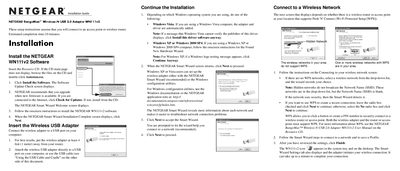
This guide walks you through installing the NETGEAR WN111v2 software, connecting the adapter to a computer, and using the Smart Wizard to join a wireless network. It also explains how to configure settings, register the product, and obtain technical support.
Additional sections describe the status bar indicators, how to extend the adapter’s range with the supplied USB cable and cradle, and troubleshooting tips for signal strength and connection status.
Insert the Resource CD, run the installer, and follow the Smart Wizard prompts to complete the installation.
Open the Settings tab and check the status bar at the bottom for network name, security, channel, data rate, and signal strength.
Attach the supplied USB cable and plastic cradle to the adapter, then secure it to your monitor with the loop‑and‑hook fasteners.
Locate the serial number on the bottom label of the adapter and register it at the Netgear support website.