
Key facts
- Brand
- NETGEAR
- Model
- EX2700
- Category
- Other Electronics
- Industry
- Computers
- Documents
- 2
- Languages
- ZH · EN
- Last added
- 2026-11-22
Start here
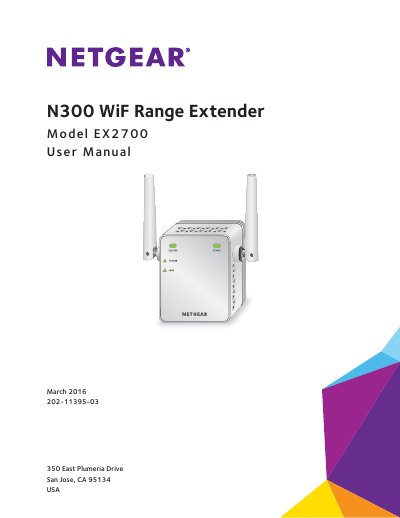
NETGEAR N300 EX2700 Wi-Fi Range Extender User Manual
This user manual covers the NETGEAR N300 Wi-Fi Range Extender model EX2700. It explains how the extender boosts the range of an existing WiFi network and creates a stronger signal in hard-to-reach areas by working as a bridge between a WiFi router and WiFi devices.
The document includes setup using WPS or web browser setup, front panel LED descriptions, WiFi network settings, maintenance tasks such as firmware updates and factory reset, and FAQs and troubleshooting steps. This manual is written in Chinese.
NETGEAR EX2700 specifications
| WiFi Standard | N300 |
|---|---|
| User Name | admin |
| Default Password | password |
| Reset Button Hold Time | at least five seconds |
All NETGEAR EX2700 documents by type
Day-to-day operation, settings and troubleshooting. Start here if the product is already set up.
Questions answered in these manuals
I forgot my login email address and password. What can I do?
Click the Username & Password Help link in the login window, or restore the extender to factory defaults and set up your login credentials again.
Can I connect the extender to the router or access point with an Ethernet cable?
No. The extender is designed to use WiFi to connect to the router or access point.
Will the extender work if I connect it to the router with an Ethernet cable?
No. The extender is designed to connect wirelessly to the router or access point.
What are the user name and password to log in to the extender?
The user name is admin, and the default password is password. Both are case-sensitive.