
Key facts
- Brand
- NETGEAR
- Model
- Push2TV
- Industry
- Electronics
- Documents
- 2
- Languages
- ZH
- Last added
- 2026-10-18
Start here
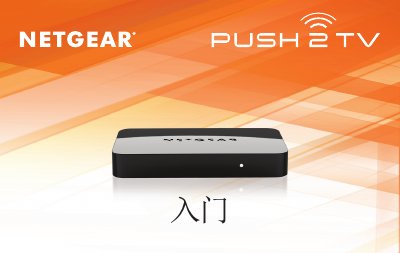
NETGEAR Push2TV User Manual
The NETGEAR Push2TV is a wireless display adapter designed to connect laptops, smartphones, and tablets running Intel Wireless Display (WiDi) or Wi-Fi CERTIFIED Miracast™ technology to a television. It allows users to mirror photos, videos, music, and websites from their mobile devices onto a large-screen TV via an HDMI connection. This manual is written in Chinese.
Read onlineAll NETGEAR Push2TV documents by type
Day-to-day operation, settings and troubleshooting. Start here if the product is already set up.
Mounting, wiring and first power-up. Read it before the hardware goes in.
Questions answered in these manuals
Why can't I play some DVDs and Blu-ray discs?
Many discs have copy protection mechanisms that prevent playback through Intel Wireless Display software v2.1.0.0 and earlier versions.
What should I do if the TV stops displaying my laptop screen?
Check the wireless connection using Intel Wireless Display software and reconnect to Push2TV, or move your laptop closer to the adapter for a clear line of sight.
What does the TV display when the device is ready?
The TV shows the message "Ready for connection".
How do I start the connection from my computer?
Launch the Intel Wireless Display application on your computer and scan for available adapters.