
Key facts
- Brand
- NEC
- Model
- NP4100
- Category
- Projector
- Industry
- Electronics
- Documents
- 3
- Languages
- DE · EN
- Last added
- 2012-05-10
Start here
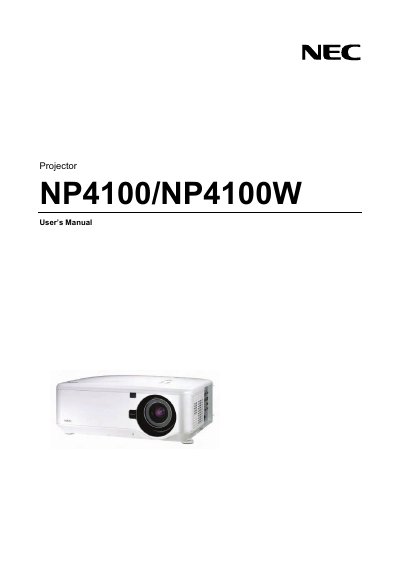
NEC NP4100 Projector User Manual
This manual covers the safe handling, setup, and use of the NEC NP4100 series projector. It includes important safety cautions, laser rating information, disposal guidelines, and regulatory notices for various regions.
Installation instructions detail proper mounting, power requirements, ventilation clearances, and handling of accessories. The troubleshooting checklist helps identify common signal and hardware issues.
NEC NP4100 specifications
| Input voltage | 100‑240 V AC, 50/60 Hz |
|---|---|
| Laser class | Class 2, 1 mW max, 650 nm |
| Lamp type | High‑pressure mercury lamp |
| Minimum ventilation clearance | 20 cm (8 in) from wall |
Source: NEC NP4100 User Manual
All NEC NP4100 documents by type
Day-to-day operation, settings and troubleshooting. Start here if the product is already set up.
Questions answered in these manuals
When and how do I replace the projector lamp?
Replace the lamp when the on‑screen warning appears. Follow the instructions on the lamp‑replacement page, avoid touching broken glass, and contact your service provider for assistance.
From: NEC NP4100 User Manual
What ventilation clearance is needed around the projector?
Keep at least 20 cm (8 in) of space between the projector and any wall or surface, and do not cover the ventilation openings.
From: NEC NP4100 User Manual
How should I turn off the projector safely?
Turn off the projector, unplug the power cable, and allow the unit to cool before moving it.
Can I open the projector cabinet myself?
No. Opening the cabinet is prohibited; only qualified service personnel should service the unit.
What safety warning is given for the projector's laser?
The manual warns not to stare into the beam because it is a Class 2 laser.
Which safety standards does the projector comply with?
It complies with IEC 60825-1 and JIS C 6802 standards.