
The document is the user manual for NP4100/NP4100W projector
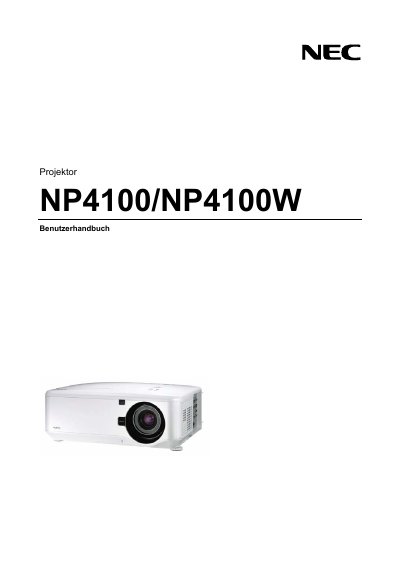
This manual contains essential safety information for the NEC NP4100/NP4100W projector, including warnings about high‑voltage components, laser safety, and proper handling to avoid electric shock or fire hazards. It also explains how to install the projector safely, covering mounting requirements, ventilation clearance, and power‑supply specifications.
Operational guidance covers the use of the remote control, lamp replacement procedures, and troubleshooting steps. Users are instructed on how to power the unit on and off, maintain proper ventilation, and replace the high‑pressure mercury lamp when the on‑screen warning appears. This manual is written in German.
| Input voltage | 100‑240 V AC, 50/60 Hz |
|---|---|
| Laser class | Class 2, 1 mW max, 650 nm |
| Lamp type | High‑pressure mercury lamp |
| Minimum ventilation clearance | 20 cm (8 in) from wall |
Replace the lamp when the on‑screen warning appears. Follow the instructions on the lamp‑replacement page, avoid touching broken glass, and contact your service provider for assistance.
Keep at least 20 cm (8 in) of space between the projector and any wall or surface, and do not cover the ventilation openings.