
Key facts
- Brand
- NEC
- Model
- NP4100W
- Category
- Projector
- Industry
- Electronics
- Documents
- 6
- Languages
- EN · JA · SV · ES
- Last added
- 2012-05-10
Start here
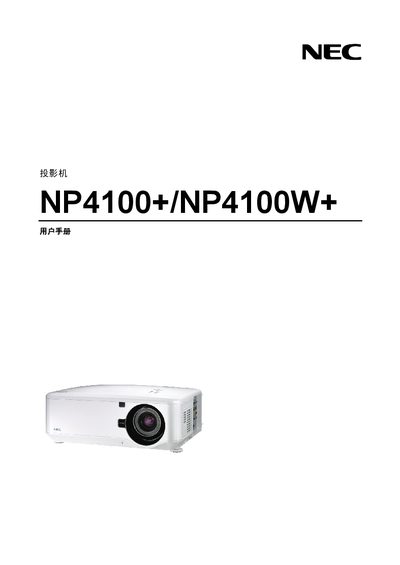
NEC NP4100+/NP4100W+ Projector User Manual
This manual provides the necessary information to install, operate and maintain the NEC NP4100+/NP4100W+ projector. It includes safety warnings, compliance details, and basic operating instructions.
The document also lists technical specifications such as power requirements, laser wavelength, and standards compliance, and offers troubleshooting tips for common issues.
NEC NP4100W specifications
| Laser Class | Class 2 |
|---|---|
| Laser Wavelength | 650 nm |
| Input Voltage | 100-240 V AC, 50/60 Hz |
Source: NEC N4000/NP4100W manual (4)
All NEC NP4100W documents by type
Day-to-day operation, settings and troubleshooting. Start here if the product is already set up.
Disassembly, diagnostics and part numbers, for repair.
Questions answered in these manuals
What laser class is the NEC NP4100/NP4100W?
The projector uses a Class 2 laser.
What is the laser wavelength of the NEC NP4100/NP4100W?
The laser operates at a wavelength of 650 nm.
What laser safety class does the NP4100/NP4100W have?
The projector’s laser is classified as Class 2, which requires standard safety precautions.
What input voltage is required for the NP4100/NP4100W?
The device operates from an AC supply of 100 V to 240 V.
What precautions are required when replacing the lamp?
Replace the lamp only after the end‑of‑life warning appears, avoid touching the glass, and handle the mercury‑containing lamp with care to prevent breakage and exposure.
What is the required clearance for proper ventilation?
Maintain at least a 20 cm gap between the projector and any wall or obstruction to ensure adequate airflow.