
This manual describes how to use the NEC NP4100/NP4100W projector.
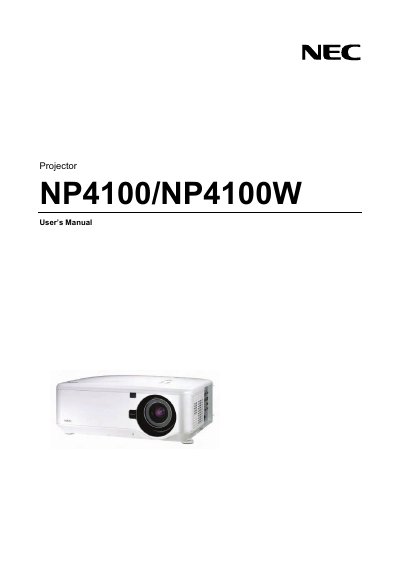
This manual covers the safe handling, setup, and use of the NEC NP4100 series projector. It includes important safety cautions, laser rating information, disposal guidelines, and regulatory notices for various regions.
Installation instructions detail proper mounting, power requirements, ventilation clearances, and handling of accessories. The troubleshooting checklist helps identify common signal and hardware issues.
| Power supply | 100‑240 V AC 50/60 Hz |
|---|
Turn off the projector, unplug the power cable, and allow the unit to cool before moving it.
No. Opening the cabinet is prohibited; only qualified service personnel should service the unit.